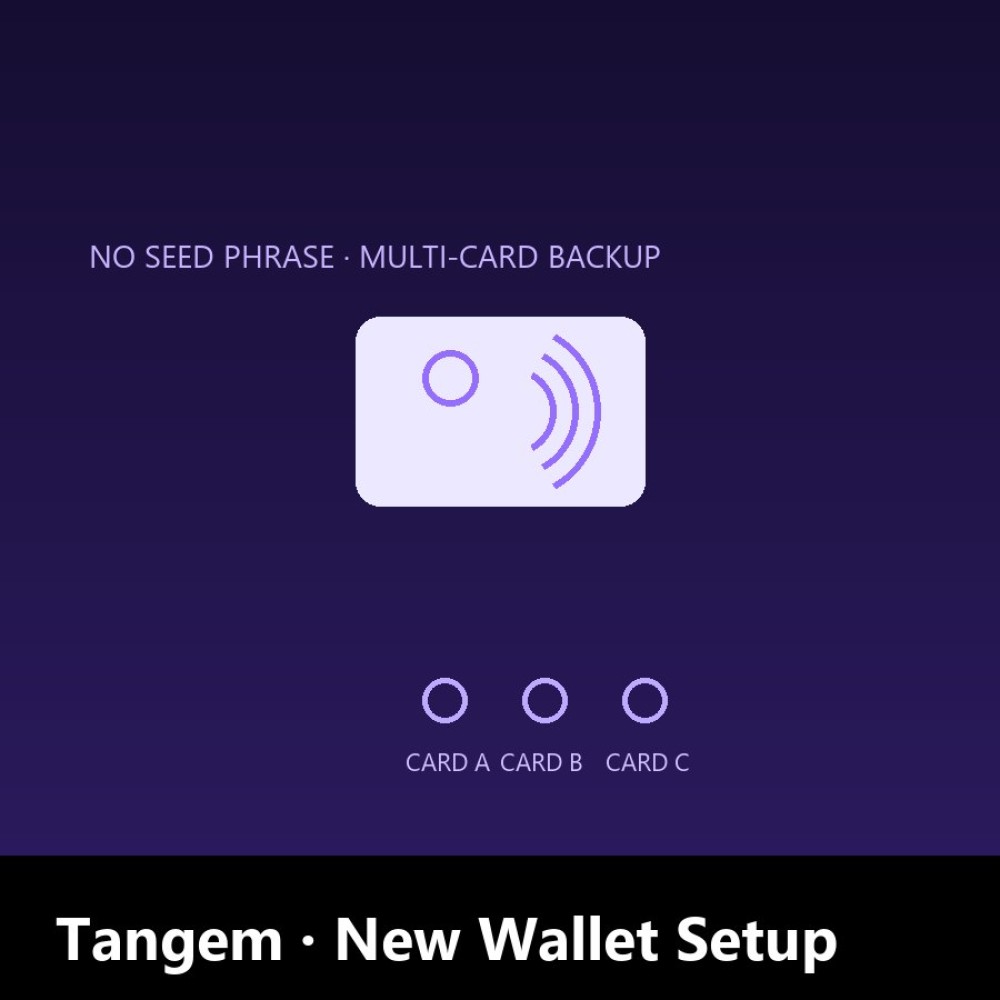
If you’ve set up a Trezor or Ledger before, Tangem’s onboarding will feel strange at first — there’s no moment where a list of words scrolls past on a screen for you to copy down. That’s because Tangem cards are built around a different idea entirely: let the card itself keep the key forever, and back it up with more cards instead of more words.
Quick overview before the details below:
A secure chip, not a seed
Each Tangem card contains an EAL6+ certified secure chip — a security rating shared with high-end payment cards — that generates a private key internally and is designed so that key can never be exported in readable form. The card has no screen; everything happens through the official Tangem app on your phone over NFC, and the app only ever relays commands. It never sees the key itself.
Tapping a fresh card to the app
When you tap an unused card to your phone, the app recognizes it as blank and offers to create a new wallet. Confirming this tells the secure chip to generate a new private key on the spot, using its own internal hardware randomness. There is no seed phrase step here at all — nothing is displayed because, in this mode, nothing needs to be written down.
So what replaces the backup sheet?
Tangem wallets are typically sold as a set of two or three cards, and this is the actual backup mechanism: during setup, you tap the additional blank cards to the app as well, and it links them cryptographically so that any one card in the set can independently unlock the same wallet. Lose one card, or have it damaged, and the others still work exactly as before — no paper, no typing, nothing to misplace.
An access code, not a password for the funds
You’ll also set an access code during setup, required to approve transactions through the app. It’s a useful layer of protection if your phone or a card is lost, but it’s worth understanding what it isn’t: an access code alone can’t move funds without a physical card present, and it can’t recover a wallet on its own either.
If you actually want a seed phrase
For people who specifically want a conventional, cross-compatible backup, the Tangem app also offers an explicit create wallet with seed phrase option, which generates (or imports) a standard 12/24-word BIP39 seed instead of using the card-only method. Choosing this does show the words once, and from that point every usual rule applies — write them by hand, never photograph or type them, and store them offline. It’s entirely optional and off by default, since most people who choose Tangem do so specifically to avoid managing a seed phrase at all.
Whichever path you pick, the practical advice stays the same: keep your spare card (or your written backup) somewhere physically separate from the one you carry day to day, so that no single bad day can take out your only way back in.